
Field CRM Software with GPS-Verified Visits
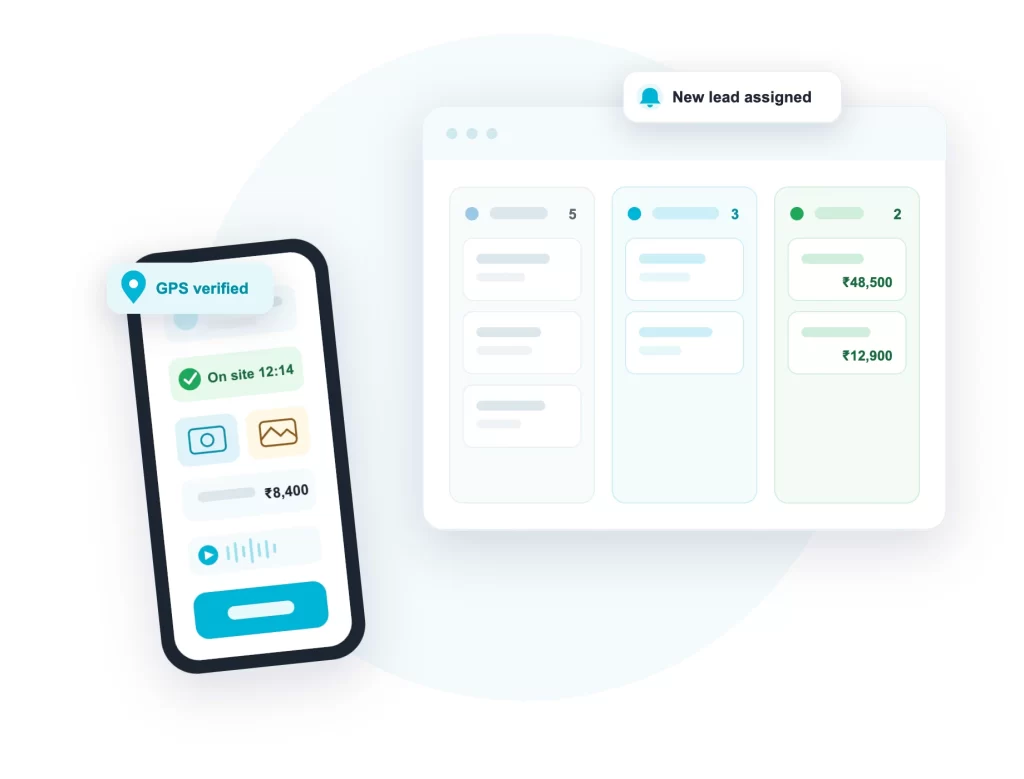
ConnectMyWorld Field CRM is a mobile CRM for teams that work outside the office. Your team handles visits, leads, orders and collections from one app on Android or iOS, and every record carries GPS, time and photo proof. You see leads, coverage and targets from any browser.
✓ GPS check-in and check-out ✓ Android & iOS ✓ 9 industries ready
Our Clients




A CRM That Leaves the Desk
A regular CRM is made for people sitting at a computer. A field CRM is made for people on a bike between two client visits. ConnectMyWorld is a mobile CRM app first: leads are captured at the shop counter, visits are logged at the client site with GPS, and orders are punched in the app during the visit. It is a CRM with GPS tracking built in, so managers see what actually happened in the field, not just what was typed.
Visits with proof
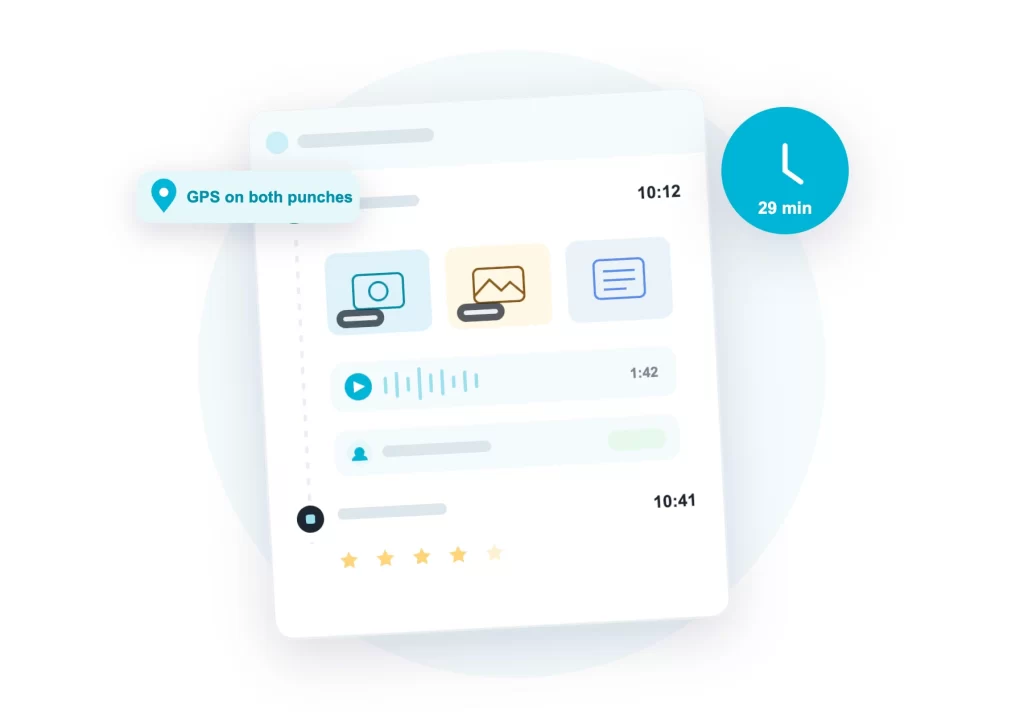
GPS on check-in and check-out, time on site, tagged photos and an audio note on every visit.
Leads that move
Capture leads anywhere, auto-assign them by territory, and move them from new to converted.
Plans and coverage
Beat plans and day plans with manager approval, and coverage reports that show what was missed.
Every Visit Comes Back with Proof
A visit starts with a check-in and ends with a check-out, each stamped with GPS and server time, so time on site is calculated automatically. Photos are tagged by what they show, sign board, stock, branding, document, and an audio note can be recorded when typing is too slow. People met during the visit are saved to the account’s contacts, so the relationship builds visit by visit.
Before walking in, your employee sees the account’s last visit, last order value and outstanding amount. New customer at the counter? They create the account on the spot, and duplicate detection keeps the database clean. Full-day movement, replay and travel claims live on the employee GPS tracking app page.
- GPS and timestamp on check-in and check-out
- Tagged photos and audio notes as visit proof
- Account 360: last visit, last order, outstanding
- New accounts created in the field, duplicates caught
A Lead Management System Built for the Field
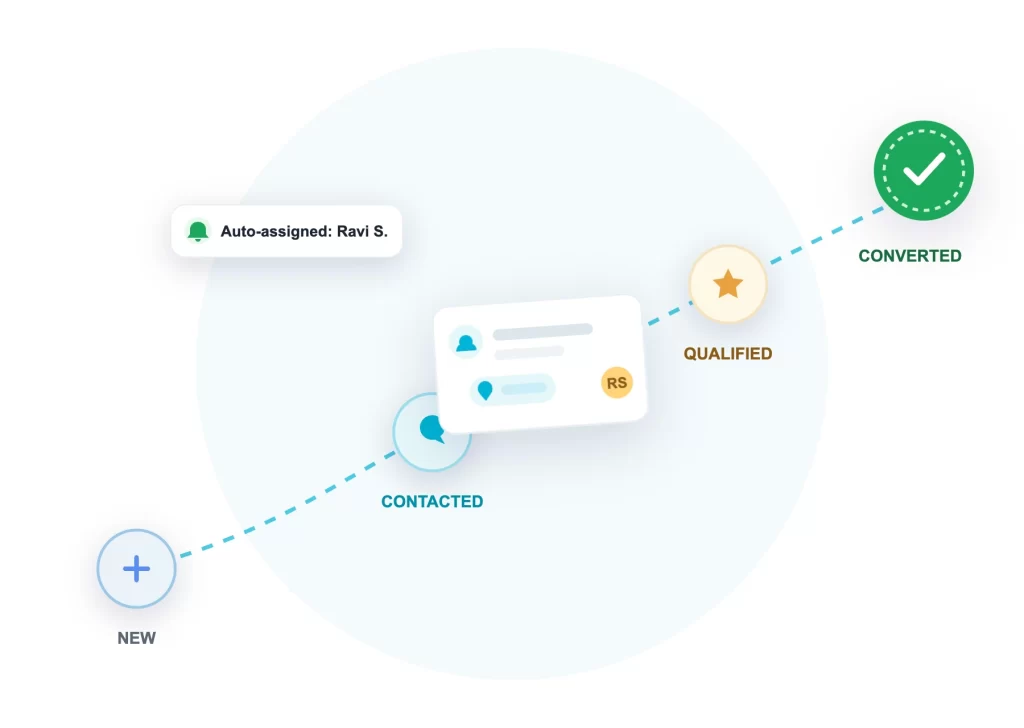
Most lead management software is built for leads that come from a website form. In field sales, a lead often comes to your salesman at a shop counter. ConnectMyWorld lets the team capture a lead anywhere, and the lead management system handles the rest: stages move from New to Contacted, Qualified and Converted, every stage change is dated, and conversion creates the customer account.
Auto-assignment routes a new lead to the right employee by territory, pincode, source or account type, with an instant notification on their phone. A follow-up date lands on that day’s plan automatically, so lead tracking does not depend on anyone’s memory.
- Leads captured on the spot, duplicates detected
- Auto-assignment by territory, pincode or source
- Stage dates recorded, funnel reported honestly
- Follow-ups drop straight into the day plan
Beat Plans, Day Plans and Honest Coverage
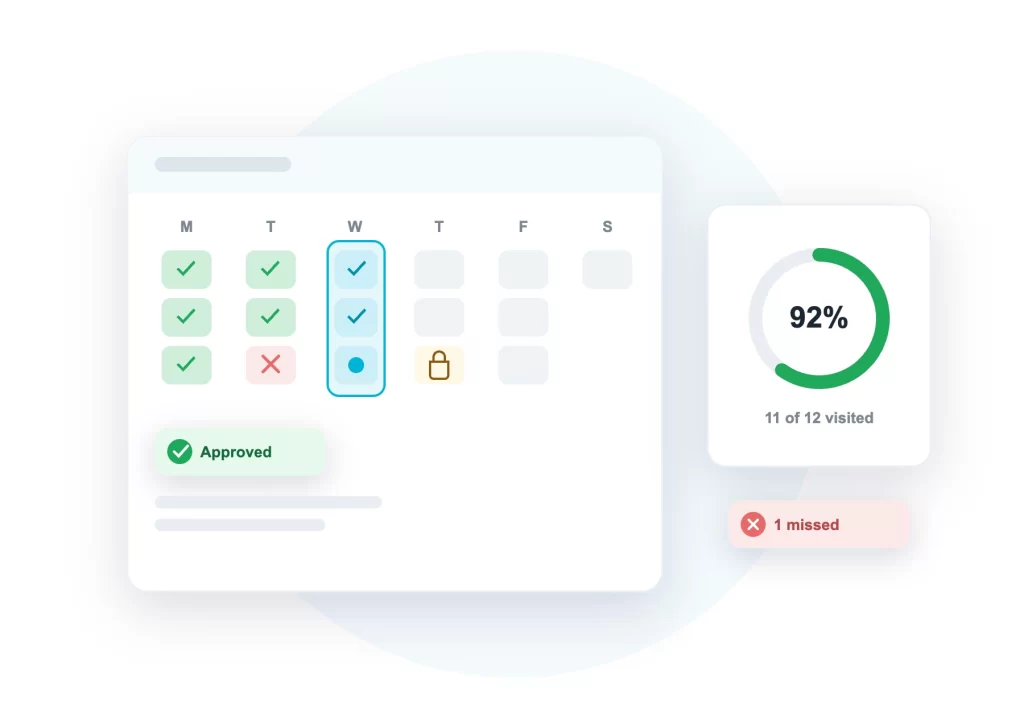
Managers set beat plans, which accounts to cover on which weekday, or upload a monthly journey plan that generates each day’s plan. Field employees plan their own days too, from the beat or by picking accounts, and a manager approves where approval is enabled. Items a manager adds are locked, so an important visit cannot be removed from the plan.
At the end of the day, coverage is reconciled from actual GPS-verified visits: planned versus visited versus missed, with a coverage percentage per employee. Everyone sees the same number.
- Beat plans by weekday, cloned period to period
- Monthly journey plans that generate day plans
- Manager approval, with locked plan items
- Coverage % reconciled from real visits daily
Orders and Collections, Captured Where They Happen
A visit is not just a location record. Sales orders are entered item by item with quantity and rate, and the order value is totalled automatically. Collection visits record the outstanding amount, the amount collected and the promise-to-pay date, and this works for daily collection runs and for monthly recovery visits. When you want, orders and collections can flow onward into your billing and accounting software, so nothing is entered twice.
- Orders with items, quantity, rate and auto total
- Collections with outstanding, collected and PTP date
- Works for daily collection and recovery visits
- Overdue collections report with risk view
- Order and collection totals roll into targets
- Flows onward into billing and accounts when enabled
One Field CRM, Configured for Your Industry
Each industry pack brings its own visit types and fields, and a new industry is a configuration, not a software project.
Field sales & distribution
Retailers, dealers and channel partners: orders, stock checks and lead follow-ups.
field sales management software →
FMCG sales app →
Service & support
Installations, repairs and AMC visits with diagnosis, work done and parts used.
field service management software →
Medical representatives
Doctor, chemist and hospital visits with products promoted and samples given.
MR reporting software →
Collections & recovery
Case reference, outstanding, amount collected, promise-to-pay and closure status.
Agriculture inputs
Farm and dealer visits with crop, soil, land area and field demonstrations.
Interior design
Site measurements, design presentations, execution visits and handover inspections.
Broadband & ISP
New installations, fault repairs, plan upgrades and site surveys with connection details.
Inspection & audit
Safety and quality checks with checklist scores, compliance status and corrective actions.
Book publishing
Bookstore, institution and library visits with titles promoted, samples and adoptions.
Targets, Reports and the Owner's View
Targets are set per employee or team across visits, sales value, collections, coverage and leads. Set a target template once and it is applied again automatically every period. Ten standard reports come built in, including the Daily Visit Sheet, Field Productivity, Lead Funnel, Target vs Achievement and Overdue Collections, all exportable to Excel. Owners running more than one company or line of business get one read-only view across all of them.
Set targets once
Define a target template once. It repeats automatically every period until your goals change.
Problems show up first
Low coverage, missed visits, overdue leads and overdue collections are highlighted automatically.
Lead funnel & conversion
Leads by stage, conversion by source, and the exact stage where leads are getting stuck.
One view across companies
Multiple companies or brands under one roof, with strict separation and one owner's view.
Runs on the ConnectMyWorld Platform
Field CRM works alongside the rest of the platform your team already carries. Task assignment and the day’s work sit on the field force management software page. Custom forms, doctor call reports, order sheets, service checklists and surveys, filled offline and locked to the client location, are covered on the mobile data collection app page. And continuous GPS tracking with full day replay is the job of the employee GPS tracking app.
Field CRM: Frequently Asked Questions
What is a field CRM?
A field CRM is customer relationship management software built for teams that meet customers in person: field sales, service engineers, medical representatives and collection agents. Instead of tracking emails and calls, it tracks visits, with GPS check-in and check-out, photos, orders and collections captured at the client location from a mobile app.
How is this different from a regular CRM?
A regular CRM organises records typed at a desk. A field CRM proves what happened outside: every visit carries GPS and time proof, plans and beats decide who is visited, and coverage reports show what was missed. It is built for phones first, because that is the only computer a field employee carries.
Can my team create leads and accounts from the field?
Yes. Leads and new customer accounts are created on the spot from the app, with duplicate detection on name and mobile number so the database stays clean. Conversion of a lead creates the account automatically.
How does lead assignment work?
Auto-assignment rules route each new lead to the right employee by territory, pincode, lead source or account type, and the employee gets a notification on their phone. Managers can always reassign manually.
What proof does a visit carry?
GPS coordinates and server time on both check-in and check-out, computed time on site, photos tagged by what they show, an optional audio note, a visit rating and the people met. Photo capture is camera-only, so old gallery photos cannot be used as visit proof.
Which industries does it support?
Nine industry packs are ready today: field sales, service and support, medical representatives, collections and recovery, agriculture inputs, interior design, broadband and ISP, inspection and audit, and book publishing. A new industry is added by configuration, and every pack brings its own visit types and fields.
Does it work with our billing or accounting software?
Yes. Orders and collections captured in the field can flow onward into your billing and accounting system, and all reports export to Excel. Data can also be pulled or pushed through API calls for deeper integration.
What does the Field CRM cost?
Pricing depends on team size and the modules you switch on, so we share it on a short call. Get in touch and we will go through your field workflow and give you a clear quote the same day.
See Your Pipeline with Proof
Get in touch with your field workflow. We will map your industry’s visit types, the lead flow and the reports your managers will open every morning.