
Geofencing Attendance for Field Teams
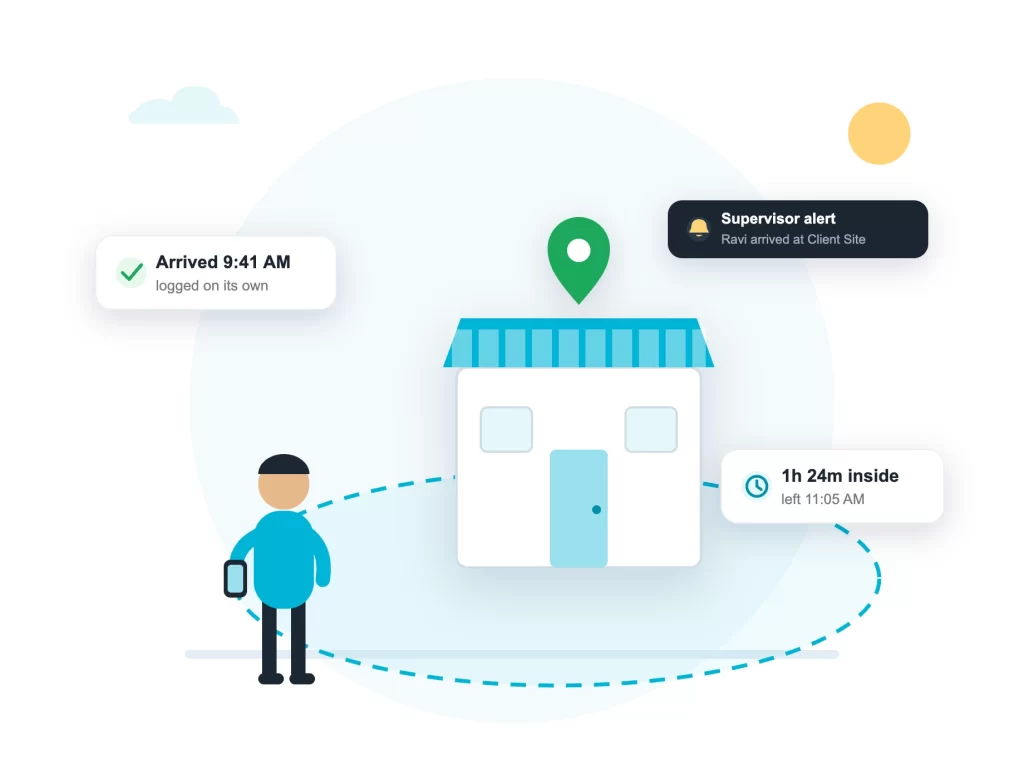
Draw a geofence around any office, project site or client location. When staff arrive, the time is logged on its own. When they leave, that is logged too. Nobody taps anything, and nobody argues about it later.
Android and iOS. Works on the phones your staff already carry.
Our Clients








What Is Geofencing Attendance?
A geofence is a virtual boundary drawn on a map around a real place: an office, a warehouse, a project site or a client’s shop. Geofencing attendance means the system checks when the employee’s phone crosses that boundary. Arrival time and departure time are recorded automatically, with no punch, no tap and no reminder from anyone.
In ConnectMyWorld, geofences work together with the attendance punch. Staff punch Login once in the morning, which marks attendance and starts GPS tracking. From then on, every geofence they enter or leave through the day is logged on its own.
How the Geofence Attendance System Works
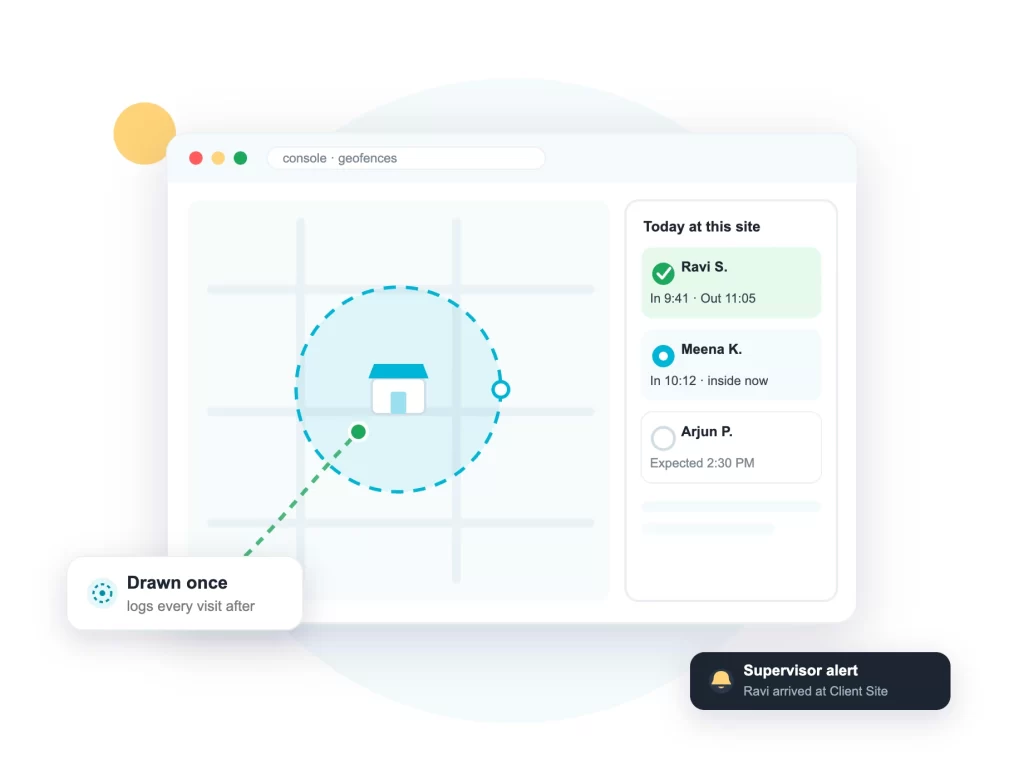
Setup happens once, in the browser console. After that the system runs by itself. This is what the supervisor sees: the geofence on the map, and the day’s arrivals and departures next to it.
1. Draw the geofences
Create a boundary around each office, site or client location in the browser console, one by one or through bulk upload.
2. Assign them to groups
Each team sees its own sites: a Mumbai crew gets Mumbai geofences, a service team gets its client list.
3. Arrival and departure are logged
When a staff phone enters or leaves a geofence, the time is recorded automatically with the GPS location.
4. Reports and alerts
Reports show time in, time out and hours inside each site. Supervisors can also get a real-time alert when someone arrives or leaves.
One System, Three Kinds of Sites
Project Sites
Construction and site teams: the geofence records who was on site, from when to when, for every project location, without a site supervisor keeping a register.
Client Locations
Sales and service teams: arrival and departure at each client are logged with time, so you know exactly how long each visit lasted.
Branches and Warehouses
Multi-location companies: staff moving between branches leave a clean record of where they worked and for how long.
What the Reports Show
Every geofence event lands in the day’s reports, next to attendance and distance.
- Arrival and departure time at each geofence
- Time spent inside and outside geofences
- How many sites were visited in the day
- Working hours and distance travelled
- View online, print to PDF or download as Excel
The Rest of the Attendance System
Geofencing records where staff were and for how long. The rest of the system covers the other parts of the day:
The right person punches
With face attendance, the morning Login punch is verified on the phone itself.
The day in between
Live GPS tracking records movement and distance between sites, until Logout.
The full attendance system
Punches, selfies, reports and payroll exports are covered on the field staff attendance app page.
Geofencing Attendance FAQs
What is a geofence attendance system?
A geofence attendance system records attendance events from location: when an employee's phone enters a boundary drawn around a workplace, the arrival is logged, and when it leaves, the departure is logged. People also call it a location based attendance system, a geo fencing attendance system, a geofencing attendance app or a geo attendance app. On the phone side, some teams search for this as a geofence attendance app. It is the same system.
Does geofencing attendance work automatically?
Yes. After the morning Login punch, staff do not touch the app at a geofence. Arrival and departure times are recorded on their own as the phone crosses the boundary, and they appear in the day's report with the location.
How is this different from GPS attendance?
A GPS based attendance system stamps a location on the punch itself, so you know where attendance was marked. Geofencing goes further: it keeps recording arrivals and departures at every site through the day. In ConnectMyWorld you get both from the same Login punch.
Can supervisors get an alert when staff arrive?
Yes. A geofence can be set to send the supervisor a real-time notification when an employee arrives at or leaves the site. Useful for the first site of the morning and for client meetings that must start on time.
Does it work without internet?
Yes. The system is offline by design: geofence events are stored on the phone with their time and location, and sync automatically when the network returns. Read how tracking works without internet.
Does it drain the phone battery?
No. The tracking is built to be highly optimized for battery, so it runs through a full field day on ordinary phones. Staff use their own Android phones or iPhones, and there is no hardware to install at any site.
What does geofencing attendance cost?
Geofencing is part of the standard ConnectMyWorld system, with plans starting from Rs 65 per user per month. The free 2-week trial includes it, so you can draw geofences around two or three real sites and see the first arrivals logged the same day.
Draw Your First Geofence This Week
Start the free 2-week trial, draw geofences around two or three real sites and let one team work a normal day. By evening, the arrivals, departures and hours inside will be in your report.